Software
POS & Inventory Software for Retail Shops: A 2026 Buyer's Guide
Choosing POS and inventory software for your shop or boutique? The features that actually matter in 2026 — GST billing, multi-branch stock, offline mode and staff attendance.
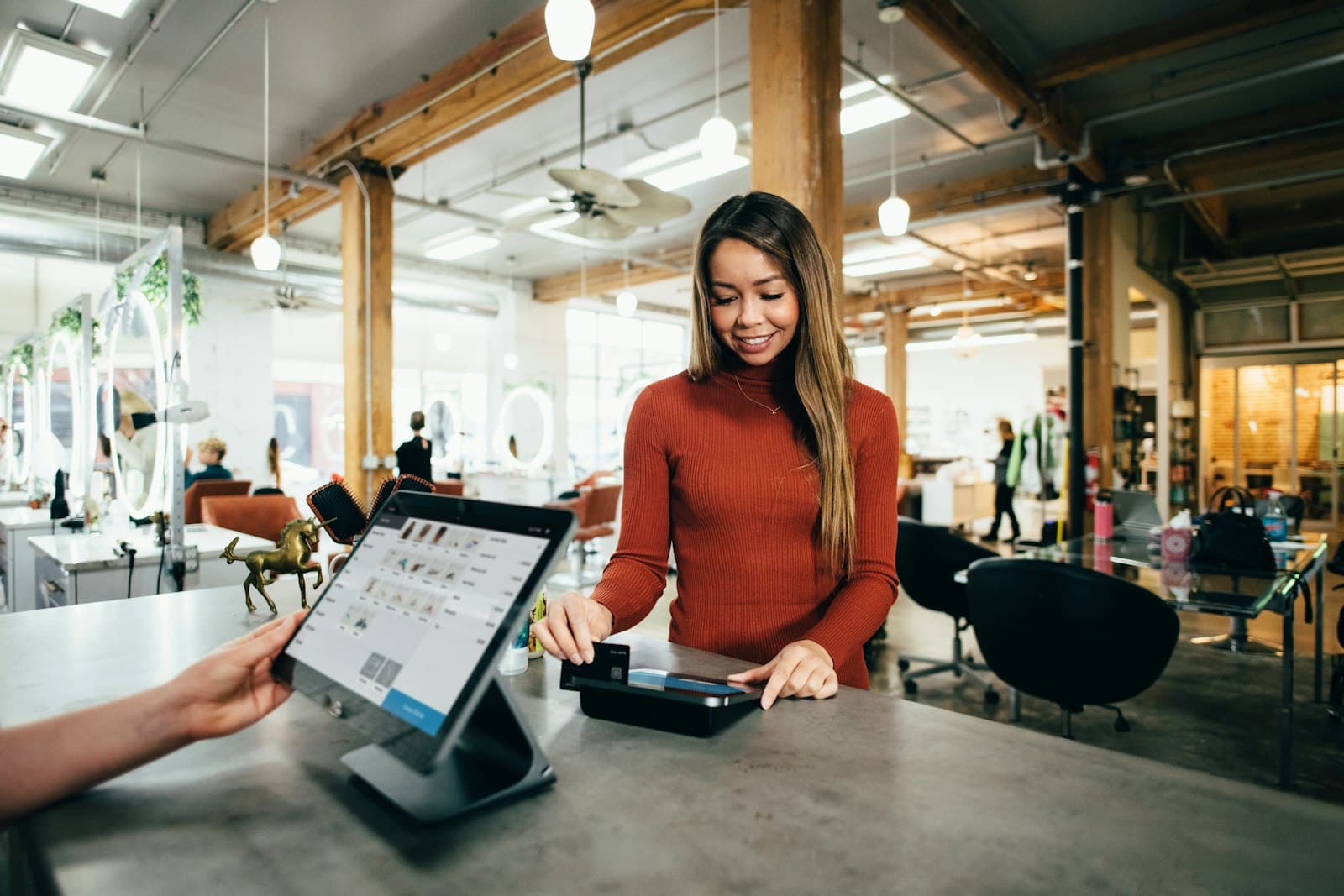
The right POS and inventory software saves a retail shop hours every week: faster billing at the counter, stock you can trust, and reports that show what's really selling. The wrong one adds work. Here's how to choose.
Start with your real problems
Before comparing software, write down what's going wrong today:
- Billing takes too long when the shop is busy
- Stock in the system doesn't match stock on the shelves
- You can't see what's selling at another branch
- Staff attendance is on paper and easy to fake
- You don't know your real margins by product, size or colour
The best software is the one that fixes your list, not the one with the longest feature page.
Features that matter in 2026
Fast, GST-ready billing
Barcode scanning, quick product search, hold-and-recall bills, split payments (cash, UPI, card), discounts and returns. GST must be calculated correctly every time, and if your turnover requires it, the system should support GST e-invoicing.
Inventory that updates with every sale
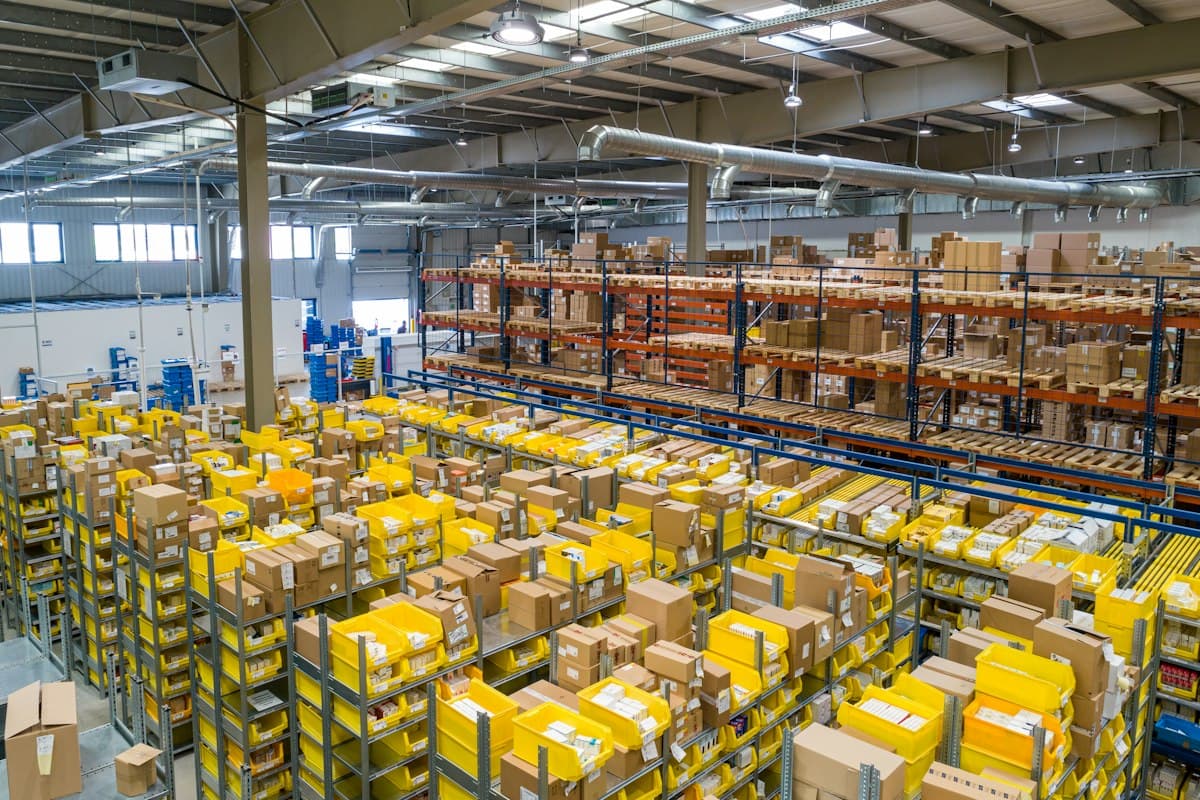
Stock should reduce automatically on every bill and increase on every purchase entry, with low-stock alerts before you run out. For clothing and footwear, track sizes and colours separately.
Multi-branch stock and transfers
If you have more than one shop, you need stock per branch, transfers between branches and one combined view for the owner.
Offline mode
Internet at many shops isn't perfectly reliable. Billing must keep working offline and sync automatically when the connection returns.
Staff and permissions
Different roles for owners, managers and cashiers, so not everyone can give discounts or delete bills. Digital attendance removes paper registers.
Owner dashboard and audit log
Today's sales against target, best sellers, slow movers and a tamper-proof log of every important action, available from your phone.
Off-the-shelf or custom?
- Ready-made POS is quick to start and fine for a single shop with standard needs.
- Custom software pays off when you have several branches, unusual pricing, special reports or want billing, inventory and attendance in one system built around how you work.
For Zehra's Abaya Collection, a growing multi-branch boutique, we built exactly that: POS billing, multi-branch inventory, an offline-first counter app and a staff attendance app with photo and PIN check-in. Read the full case study.
Questions to ask any software provider
- Does billing work offline?
- Can I export my data if I leave?
- How are GST rates and HSN codes managed?
- What does support look like, and in which language?
- What are the yearly costs after the first year?
- POS software for retail shops
- Inventory software India
- Billing and inventory software
- GST billing software for shops
- Custom software development